

Linear regression is usually the first machine learning algorithm anyone learns, and for good reason. It is simple enough to calculate by hand, it is still used every day in companies to forecast sales, price flats and estimate demand, and almost every advanced model builds on the same ideas.
This guide teaches it the way it clicks best: by playing with it. You will drag points and watch the line move, calculate the formula step by step, watch the model learn through gradient descent, spin a 3D regression plane, and break the assumptions on purpose to see what goes wrong. The Python code at the end is ready to copy and run.
What is linear regression in machine learning?
Linear regression is a supervised machine learning algorithm that predicts a number by fitting a straight line through your data. You give it examples where you already know the answer, like hours studied and the marks a student scored, and it finds the line that best describes how one changes with the other. Then it uses that line to predict answers for new inputs.
The line is written as:
- x is the input, also called the feature or independent variable. Example: hours studied.
- y is the output you want to predict, also called the target or dependent variable. Example: marks.
- m is the slope, also called the weight or coefficient. It tells you how much y changes when x goes up by 1.
- b is the intercept, also called the bias. It is the value of y when x is 0.
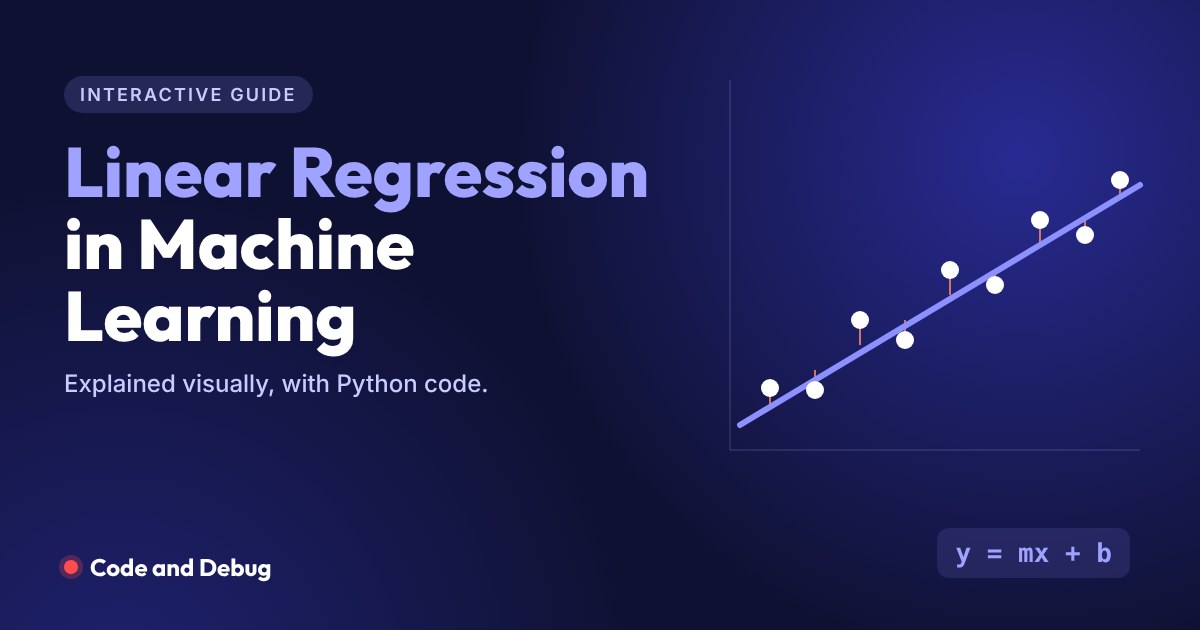
Try it below. Every dot is a student. The blue line is the best-fit line, and the red lines are the errors, which are the gaps between what the line predicts and what really happened. Click anywhere to add a student, drag any dot to move it, and see how the line reacts. Then press Add an outlier and watch a single bad data point pull the whole line down.
Linear regression playground
Click to add a point. Drag a point to move it.
Notice that the line never passes through every point. It cannot, because real data is noisy. Linear regression finds the one line that keeps the total error as small as possible.
Real-life examples of linear regression
- Predicting the price of a flat from its size, age and distance from the metro
- Estimating next month’s sales from advertising spend
- Forecasting electricity demand from temperature
- Predicting a student’s marks from hours studied and attendance
- Estimating a delivery time from distance and traffic
In all of these, the thing you predict is a number on a continuous scale. That is what regression means in machine learning. When the answer is a category instead, like spam or not spam, you need a classification model, which we compare later in this guide.
Simple linear regression and its formula
Simple linear regression has one input and one output. To find the best line, it uses a method called ordinary least squares (OLS), which picks the m and b that make the sum of squared errors as small as possible. The formulas are:
The formula looks scary until you do it once. Edit any number in the table below and every step of the calculation updates with it.
Linear regression formula calculator
x = hours studied, y = marks. Change any value.
| x | y | x − x̄ | y − ȳ | (x − x̄)(y − ȳ) | (x − x̄)² |
|---|---|---|---|---|---|
| Sums | |||||
With the default numbers you get y = 6.538x + 28.708. In plain words: each extra hour of study adds about 6.5 marks, and a student who studies zero hours would be expected to score about 29.
How the model learns: cost function and gradient descent
The formula above works perfectly for simple linear regression. Machine learning libraries also need a more general way to learn, one that still works with thousands of features and other model types. That way has two parts.
The cost function measures how wrong the line is. Linear regression uses the mean squared error (MSE): take each error, square it so negatives do not cancel positives, and average them.
Gradient descent then lowers that error step by step. It starts with a random line, calculates which direction to nudge m and b so the error drops, moves a small amount in that direction, and repeats. The size of each nudge is the learning rate. Watch it happen below, then push the learning rate above 0.035 to see training blow up.
Watch gradient descent find the line
Left: the line being learned. Right: the error falling over time.
Gradient descent ends up at almost exactly the same m and b that the formula gives. The formula is the shortcut, and gradient descent is the general method that also trains neural networks. If you want to see where this fits in the bigger picture, our AI and ML roadmap shows what to learn before and after this.
Multiple linear regression
Real problems rarely have just one input. A flat’s price depends on its size, its age, the floor, the distance to the metro and more. Multiple linear regression handles this by giving each feature its own weight:
Each coefficient tells you the effect of one feature while the others stay fixed. With two features, the model is no longer a line. It is a flat plane in 3D space. Drag the chart below to rotate it.
Multiple regression plane in 3D
Price of 34 sample flats from size and age. Drag to rotate.
The size coefficient comes out positive (bigger flats cost more) and the age coefficient negative (older flats cost less), which is exactly what you would expect. Reading coefficients like this is one of the biggest reasons linear regression is still popular: you can explain every prediction it makes.
Simple vs multiple linear regression
| Simple linear regression | Multiple linear regression | |
|---|---|---|
| Number of inputs | One feature | Two or more features |
| Equation | y = mx + b | y = b₀ + b₁x₁ + … + bₙxₙ |
| Shape of the model | A line | A plane, or a hyperplane in more dimensions |
| Example | Marks from hours studied | Flat price from size, age and metro distance |
Assumptions of linear regression
Linear regression gives trustworthy results only when the data follows a few rules. A common way to remember them is LINE, plus one extra rule for multiple regression:
- Linearity: the relationship between the features and the target is roughly a straight line.
- Independence: each data point is independent. One student’s marks do not affect another’s.
- Normality: the errors (residuals) are roughly normally distributed.
- Equal variance (homoscedasticity): the spread of errors stays about the same across all values of x.
- No multicollinearity: features are not strongly correlated with each other.
The easiest way to check most of these is a residual plot: plot each error against x. Healthy residuals look like random noise around zero. Click through the cases below to see what broken assumptions look like.
Assumption checker
How to evaluate a linear regression model
Once the model is trained, test it on data it has never seen. These are the four metrics you will use most:
| Metric | What it measures | How to read it |
|---|---|---|
| MAE (mean absolute error) | Average size of the errors | In the same units as y. MAE of 5 lakh means predictions are off by 5 lakh on average |
| MSE (mean squared error) | Average of squared errors | Punishes big errors heavily. Used for training |
| RMSE (root mean squared error) | Square root of MSE | Back in the units of y, and more sensitive to large misses than MAE |
| R² (R-squared) | Share of the variation in y the model explains | 1 is perfect, 0 is no better than predicting the average |
Linear regression vs logistic regression
The names are confusingly similar, but they solve different problems. Linear regression predicts a number, like a price or marks. Logistic regression predicts the probability of a category, like pass or fail, spam or not spam. The demo below shows why you cannot use a straight line for yes or no answers.
Pass or fail: straight line vs S-curve
| Linear regression | Logistic regression | |
|---|---|---|
| Type of problem | Regression | Classification |
| Output | Any number, like 64.6 marks | A probability between 0 and 1 |
| Shape | Straight line | S-shaped sigmoid curve |
| Loss used in training | Mean squared error | Log loss (cross-entropy) |
| Example | Predict a flat’s price | Predict if a loan will default |
Linear regression in Python with scikit-learn
Time to write real code. You need NumPy, Pandas and scikit-learn (pip install numpy pandas scikit-learn). If Pandas is new to you, our Pandas roadmap covers the basics. Every output shown below comes from actually running the code.
Simple linear regression example
import numpy as np
from sklearn.linear_model import LinearRegression

# Hours studied vs marks scored (out of 100)
hours = np.array([1, 2, 3, 4, 5, 6, 7, 8]).reshape(-1, 1)
marks = np.array([35, 41, 50, 54, 62, 68, 75, 80])

model = LinearRegression()
model.fit(hours, marks)

print("Slope (m):", round(model.coef_[0], 2))
print("Intercept (b):", round(model.intercept_, 2))
print("Predicted marks for 5.5 hours:", round(model.predict([[5.5]])[0], 1))
Output:
Slope (m): 6.51
Intercept (b): 28.82
Predicted marks for 5.5 hours: 64.6
reshape(-1, 1) is needed because scikit-learn expects features as a 2D table, even when there is only one column. The model learned a slope of 6.51 marks per hour.
Multiple linear regression with a train and test split
This example creates 200 sample flats, trains on 80% of them and tests on the remaining 20%.
import numpy as np
import pandas as pd
from sklearn.model_selection import train_test_split
from sklearn.linear_model import LinearRegression
from sklearn.metrics import mean_absolute_error, mean_squared_error, r2_score

# Build a sample dataset of 200 flats
rng = np.random.default_rng(42)
n = 200
df = pd.DataFrame({
    "size_sqft": rng.integers(450, 2000, n),
    "age_years": rng.integers(0, 30, n),
    "metro_km": rng.uniform(0.2, 12, n).round(1),
})
# Price in lakh rupees, plus some random noise
df["price_lakh"] = (0.055 * df["size_sqft"] - 0.6 * df["age_years"]
                    - 1.8 * df["metro_km"] + 15 + rng.normal(0, 6, n)).round(1)

X = df[["size_sqft", "age_years", "metro_km"]]
y = df["price_lakh"]
X_train, X_test, y_train, y_test = train_test_split(
    X, y, test_size=0.2, random_state=42)

model = LinearRegression().fit(X_train, y_train)
pred = model.predict(X_test)

for name, coef in zip(X.columns, model.coef_):
    print(f"{name}: {coef:.3f}")
print("Intercept:", round(model.intercept_, 2))
print("MAE :", round(mean_absolute_error(y_test, pred), 2))
print("RMSE:", round(mean_squared_error(y_test, pred) ** 0.5, 2))
print("R2  :", round(r2_score(y_test, pred), 3))
Output:
size_sqft: 0.055
age_years: -0.636
metro_km: -1.746
Intercept: 14.23
MAE : 5.26
RMSE: 6.5
R2  : 0.933
The model recovered weights very close to the ones used to create the data (0.055 per sq ft, about −0.6 per year of age, about −1.8 per km from the metro), and it explains about 93% of the variation in prices on unseen flats.
Linear regression from scratch with NumPy
Writing it yourself is the best way to understand what model.fit() does. This is the same gradient descent you watched earlier, in about ten lines:
import numpy as np

x = np.array([1, 2, 3, 4, 5, 6, 7, 8], dtype=float)
y = np.array([35, 41, 50, 54, 62, 68, 75, 80], dtype=float)

m, b = 0.0, 0.0      # start with a flat line
lr = 0.01            # learning rate

for step in range(5000):
    pred = m * x + b
    error = pred - y
    dm = 2 * np.mean(error * x)   # gradient of MSE with respect to m
    db = 2 * np.mean(error)       # gradient of MSE with respect to b
    m -= lr * dm
    b -= lr * db

print("m =", round(m, 2), " b =", round(b, 2))
Output:
m = 6.51 b = 28.82It lands on exactly the same slope and intercept as scikit-learn. A good exercise is to change lr to 0.05 and see the numbers explode, just like in the demo above.
Advantages and limitations
- Easy to explain. Each coefficient has a clear meaning, which matters in finance, healthcare and anywhere decisions need justification.
- Fast. It trains in milliseconds even on large datasets.
- A strong baseline. Always try it before reaching for complex models. Sometimes it is all you need.
- Limited to straight-line patterns unless you add polynomial or interaction features.
- Sensitive to outliers, as the playground showed. Ridge, Lasso or robust regression can help.
Test yourself
Six quick questions. If you get five or more right, you are ready to use linear regression on a real dataset.
Linear regression quiz
Takes about two minutes.
Frequently asked questions
What is linear regression in simple words?
Linear regression finds the straight line that best fits your data, then uses it to predict a number for new inputs. For example, it can learn how marks change with hours studied and predict the marks for a student who studies 6 hours.
What is the formula for linear regression?
Simple linear regression uses y = mx + b. The slope is m = Σ(x − x̄)(y − ȳ) ÷ Σ(x − x̄)², and the intercept is b = ȳ − m × x̄, where x̄ and ȳ are the averages of x and y. Multiple linear regression extends this to y = b₀ + b₁x₁ + b₂x₂ + … + bₙxₙ.
What is the difference between simple and multiple linear regression?
Simple linear regression uses one input feature and fits a line. Multiple linear regression uses two or more features and fits a plane or hyperplane, with a separate coefficient for each feature.
Is linear regression supervised or unsupervised learning?
It is supervised learning, because the model learns from examples where the correct answer (the target value) is already known.
What is the difference between linear and logistic regression?
Linear regression predicts a continuous number, such as a price. Logistic regression predicts the probability of a class, such as pass or fail, using an S-shaped sigmoid curve that keeps outputs between 0 and 1.
What are the assumptions of linear regression?
Linearity, independence of observations, normally distributed residuals, equal variance of residuals (homoscedasticity), and, for multiple regression, no strong multicollinearity between features.
When should I not use linear regression?
Avoid it when the relationship is clearly curved, when the target is a category, or when the data has extreme outliers you cannot explain. In those cases try polynomial regression, logistic regression, or tree-based models.
What to learn next
Now that the line makes sense, the natural next steps are logistic regression for classification, then decision trees and random forests. Our interactive AI and ML roadmap shows the full path, and you can track which skills you have already ticked off.
