

Asha and Ravi signed up for the same SQL course. On Monday, Asha’s timetable says “SQL Basics” and Ravi’s still says “SQL”. Both show course C1. You work at the registration desk. Which timetable would you correct, and how would you stop this happening next term?

Try the edit that caused the mix up
The desk keeps a table, much like a spreadsheet. Each row says who enrolled in which course. C1 is a permanent course ID. The college can change its title without changing that ID. Start by saving a new title on Asha’s copy.
You run the registration desk
Try each request at the desk. Then switch to linked tables and try the same requests again.
One register| Student | ID | Timetable title |
|---|---|---|
| Asha | C1 | SQL |
| Asha | C2 | Python |
| Ravi | C1 | SQL |
Did you spot the problem before switching designs? In the first register, saving the title only changed Asha’s row. Ravi could show you a different title for exactly the same ID. In the linked version, both timetables read the title from the same course record. That decision about where a fact lives is the point of normalization in DBMS. DBMS stands for database management system. SQLite is the one we will use below.
Three requests a single sheet handles badly
| At the desk | What goes wrong in one register | Name for the problem |
|---|---|---|
| Rename C1 | Two copies can disagree. | Update anomaly |
| Offer a new course | There is nobody to put in the required student field yet. | Insertion anomaly |
| Remove the only Python enrollment | The last record of Python disappears with it. | Deletion anomaly |
An anomaly is an unwanted side effect of an ordinary change. Asha dropping Python should change her timetable. It should leave the college free to offer Python to someone else.
Give each row a meaning before you give it a key
On the original sign up sheet, Asha wrote “C1 SQL, C2 Python” in one box. How many people took SQL? Counting boxes will not answer that. You first have to open each list and read it.
Write a separate row for each enrollment. Asha now gets two rows and Ravi gets one. Put the course ID in one column and its title in another. This is first normal form (1NF) in our example: one value per cell and no repeating course group. C1 can appear in two rows because those rows record two different enrollments.
Rebuild the register
Change one part of the design at a time. Watch for the step where the second copy of SQL disappears.
Try this with the 1NF register. Cover the course column and look at Asha. Can you tell which enrollment you are holding? Now cover the student column and look at C1. Again, there are two possibilities. Uncover both and the pair identifies exactly one row.
Which facts need the whole key?
Use S1 for Asha and S2 for Ravi. People can share names, so a name makes a poor identifier. Here each student can enroll in a particular course once. That makes (student_id, course_id) a composite primary key. “Composite” means it has more than one column. A primary key is the identifier the designer chose for a row.
| Fact you want | What you need to know | Where to store it |
|---|---|---|
| A student’s name | S1 alone | Students |
| A course title | C1 alone | Courses |
| Does Asha take SQL? | S1 and C1 together | Enrollments |
The rule “course ID determines course title” is a functional dependency. You can write it as C1’s column name, course_id, followed by an arrow to title. It is a rule of this college, even before you collect any rows. Two titles that happen to match today are no proof that they must match tomorrow.
In the flat register the title depends on only part of the key. This is a partial dependency. Second normal form (2NF) rules that out for columns outside the candidate keys. A candidate key is any set of columns that uniquely identifies a row and loses that ability if you remove any member. Check every candidate key when there is more than one.
Why the department name needs one more split
The college asks you to record each student’s department. Asha and Ravi both belong to D1, Computing. Putting department_name in Students would put “Computing” back on two rows. Yet Students already has a primary key of just one column. There is no half of that key to remove.
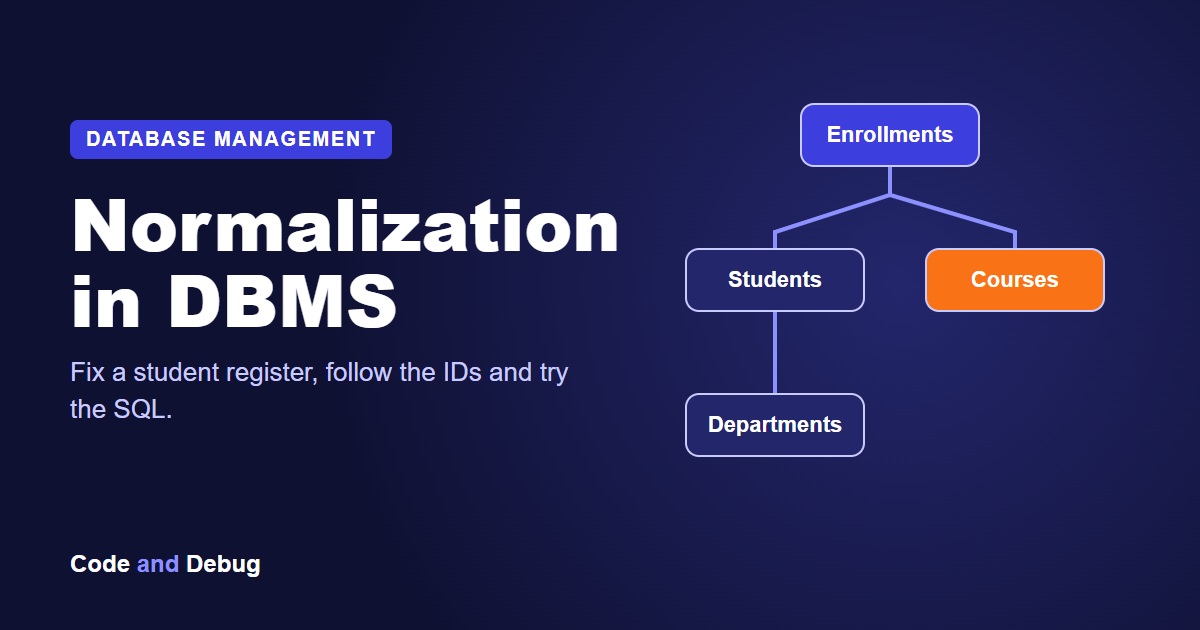
Trace the lookup. First, S1 tells you Asha belongs to D1. Then D1 tells you the department name. This indirect route is a transitive dependency. Put D1 and Computing together in Departments. Keep D1 in Students so that you can find Asha’s department again. That reference is a foreign key.
Our four resulting tables are in third normal form (3NF) under these rules. If Computing becomes Computing Sciences, one edit to Departments is enough. Open the last step of the walkthrough to find that row.
For an interview: what is the precise 3NF test?
For every nontrivial dependency X determines A, either X is a superkey or A is part of a candidate key. Nontrivial means A is outside X. A superkey identifies a row and may contain extra columns. In Students before the split, department_id determines department_name, but it cannot identify one student, and department_name belongs to no candidate key.
Check the split with a pencil before writing SQL
Build Ravi’s timetable by hand. Start with the enrollment (S2, C1). Look up S2 in Students and read Ravi and D1. Look up C1 in Courses and read SQL. Finally, look up D1 in Departments and read Computing. One enrollment has led you back to one complete row.
Keeping the matching IDs makes the split lossless: joining the pieces recovers the original facts without adding invented enrollments. Suppose you threw away Enrollments and kept only two student names and two course titles. How would you know whether Ravi took Python? Matching every student to every course would invent a fourth enrollment. The three pairs in Enrollments are data worth keeping.
Run the register in SQLite
Start an empty SQLite database and run these four examples in order in the same session. CREATE TABLE describes the columns. INSERT adds rows. SELECT reads them. The last line sorts the result so yours prints in the same order.
PRAGMA foreign_keys = ON;
CREATE TABLE register (
  student_id TEXT NOT NULL, name TEXT NOT NULL,
  course_id TEXT NOT NULL, title TEXT NOT NULL,
  dept_id TEXT NOT NULL, dept_name TEXT NOT NULL,
  PRIMARY KEY (student_id, course_id)
);
INSERT INTO register VALUES
  ('S1','Asha','C1','SQL','D1','Computing'),
  ('S1','Asha','C2','Python','D1','Computing'),
  ('S2','Ravi','C1','SQL','D1','Computing');
SELECT name, title FROM register
ORDER BY student_id, course_id;Output:
name | title
Asha | SQL
Asha | Python
Ravi | SQLMove each fact to its own table
Create the parent tables before copying the enrollments. REFERENCES tells SQLite which IDs are allowed. SELECT DISTINCT takes one copy of each different fact. Our original titles agree. If your own register already has two titles for C1, confirm the right one before copying.
CREATE TABLE departments (
  dept_id TEXT PRIMARY KEY NOT NULL, dept_name TEXT NOT NULL
);
CREATE TABLE students (
  student_id TEXT PRIMARY KEY NOT NULL, name TEXT NOT NULL,
  dept_id TEXT NOT NULL REFERENCES departments(dept_id)
);
CREATE TABLE courses (
  course_id TEXT PRIMARY KEY NOT NULL, title TEXT NOT NULL
);
CREATE TABLE enrollments (
  student_id TEXT NOT NULL REFERENCES students(student_id),
  course_id TEXT NOT NULL REFERENCES courses(course_id),
  PRIMARY KEY (student_id, course_id)
);
INSERT INTO departments SELECT DISTINCT dept_id, dept_name FROM register;
INSERT INTO students SELECT DISTINCT student_id, name, dept_id FROM register;
INSERT INTO courses SELECT DISTINCT course_id, title FROM register;
INSERT INTO enrollments SELECT student_id, course_id FROM register;
SELECT course_id, title FROM courses ORDER BY course_id;Output:
course_id | title
C1 | SQL
C2 | PythonJoin the four tables and count the results
Start at FROM enrollments. Each JOIN follows one of the ID lookups you just did for Ravi. The short names e, s, c and d stand for the four tables. Count the result: three enrollments went in. Check all six columns against the original inserts.
SELECT s.student_id, s.name, c.course_id, c.title,
       d.dept_id, d.dept_name
FROM enrollments AS e
JOIN students AS s ON s.student_id = e.student_id
JOIN courses AS c ON c.course_id = e.course_id
JOIN departments AS d ON d.dept_id = s.dept_id
ORDER BY s.student_id, c.course_id;Output:
student_id | name | course_id | title | dept_id | dept_name
S1 | Asha | C1 | SQL | D1 | Computing
S1 | Asha | C2 | Python | D1 | Computing
S2 | Ravi | C1 | SQL | D1 | ComputingMake Monday’s edit again
UPDATE changes the C1 row in Courses. Predict the two titles the SELECT will return before you read them.
UPDATE courses SET title = 'SQL Basics'
WHERE course_id = 'C1';
SELECT s.name, c.title
FROM enrollments AS e
JOIN students AS s ON s.student_id = e.student_id
JOIN courses AS c ON c.course_id = e.course_id
WHERE c.course_id = 'C1'
ORDER BY s.student_id;Output:
name | title
Asha | SQL Basics
Ravi | SQL BasicsTry a different desk: a library loan
A library keeps loan_id, copy_id, book_title, borrower_id and borrower_name in one Loans table. A borrower can take the same copy again next month. Two copies can have the same title. If borrower B8 changes her name, which rows would you have to edit?
Check your design
In the flat table you would edit every loan for B8. Keep Borrowers(borrower_id, borrower_name), Copies(copy_id, book_title) and Loans(loan_id, copy_id, borrower_id) for this simplified exercise. A separate loan_id distinguishes repeat loans. If the library also tracks editions and many copies per edition, give editions their own ID and store the title there.
Can you repair another register?
Six questions. Choose an answer to see the reason.
Questions beginners ask
What is normalization in DBMS in simple words?
It is a way of organizing tables so that each fact can be recorded in the right place. In this register, C1 has one title in Courses, even when many students take it.
Does normalization remove all repeated values?
Student IDs and course IDs still repeat in Enrollments. Those values record who takes which course. Repeating the title beside each enrollment is the duplication we removed.
Would the same key work if students could retake a course?
A student could then have two enrollments with the same student and course IDs. You would need a way to distinguish the attempts, such as a term if only one attempt per term is allowed.
Keep a copy and practise
Try the normalization questions in our DBMS interview guide, or practice joining tables with our SQL interview questions.
For another worked example, read Microsoft’s introduction to database normalization. The SQLite foreign key documentation explains how SQLite checks the references used here.